Scrapwell for parents
How Scrapwell keeps it private.
Scrapwell is a scrapbook journal for the whole family, ages 7 and up. Your child's pages stay on the device, encrypted, and open with their own code. Here's how that works, and what you can control.
Private by design
A diary should stay a diary.
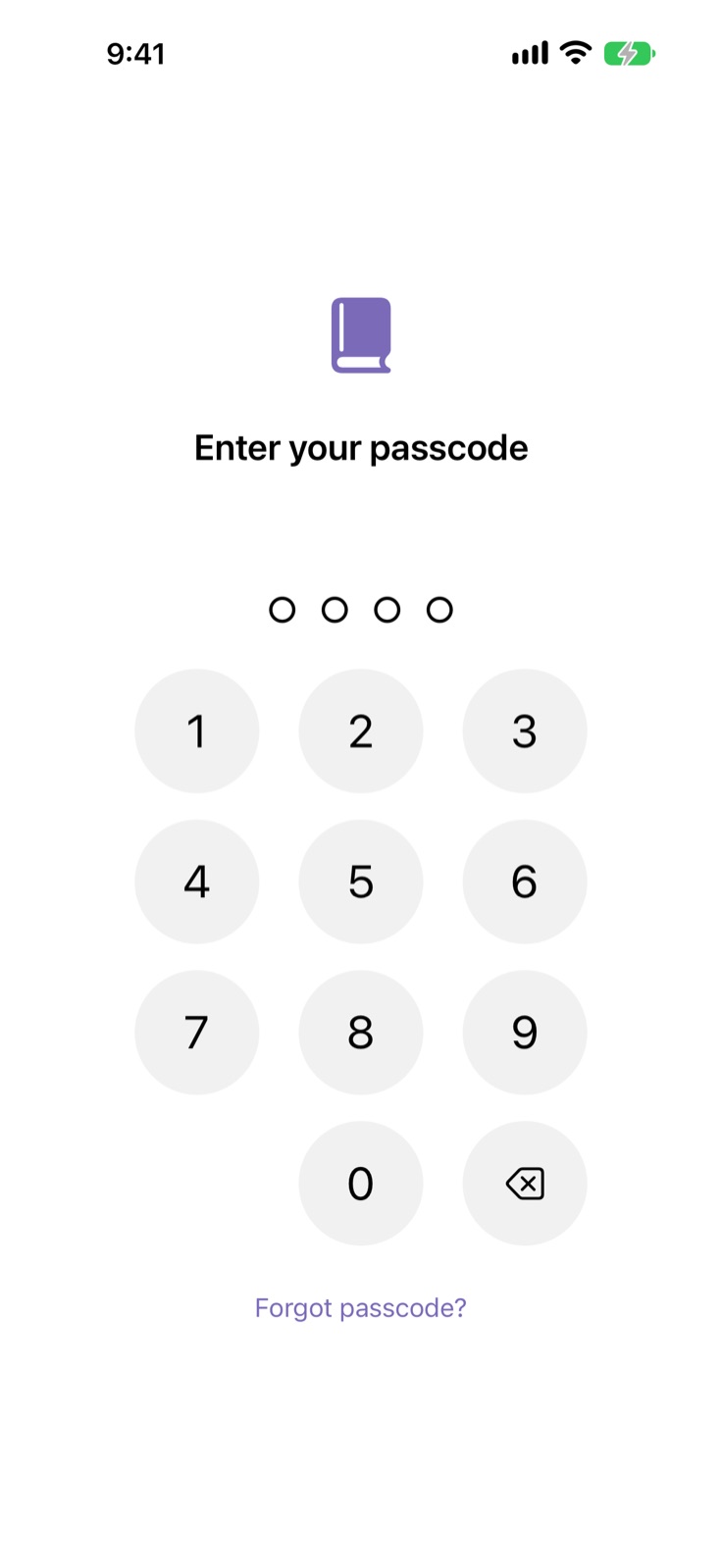
- Locked with a passcode, a picture code for younger children, or Face ID and Touch ID.
- Everything is encrypted on the device. No accounts, no ads, no analytics and no tracking.
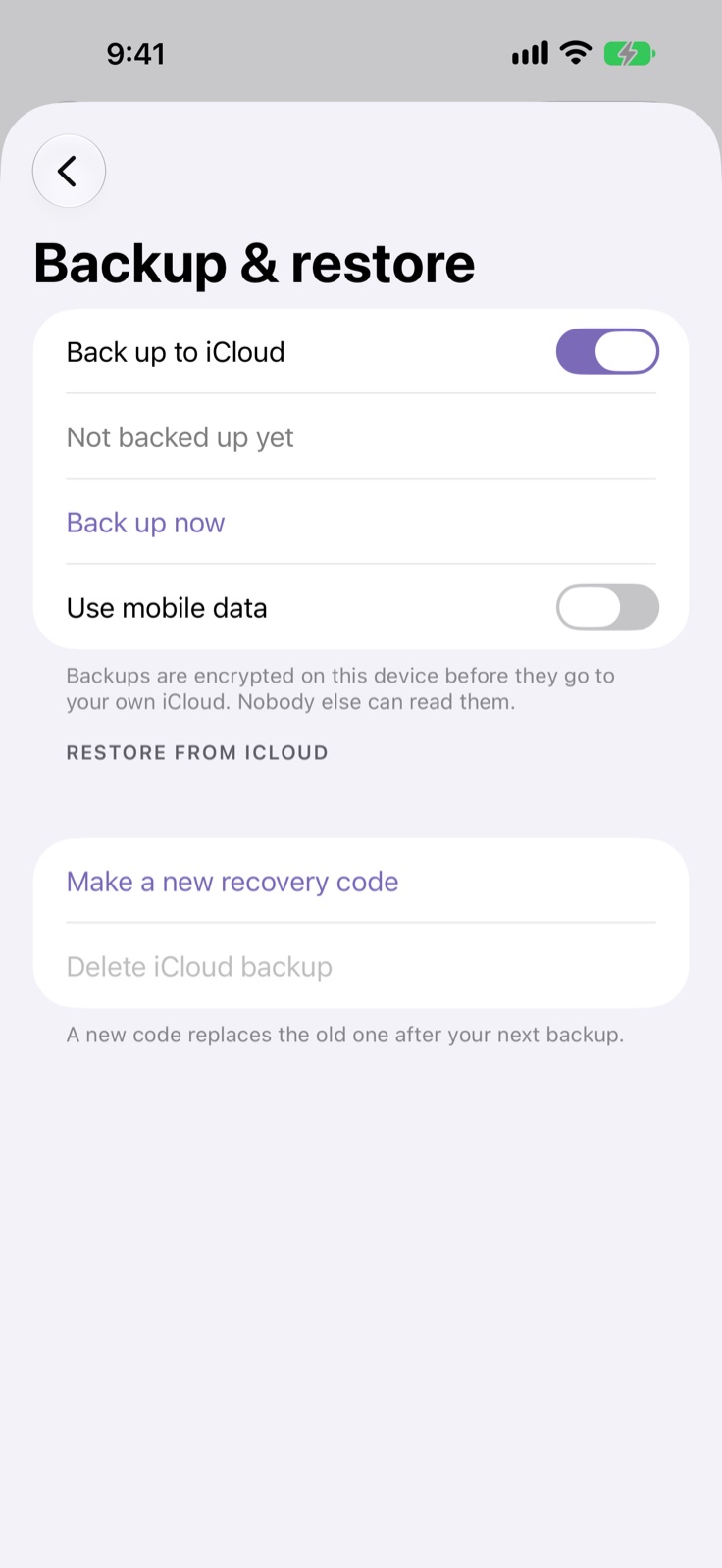
- Backups go only to your family's own iCloud, encrypted first, so nobody else can read them. Not even us.
- Places from photos show only the town or area, never the exact spot, and the photo files are stripped of location.
- The family book is optional. A page goes in only when someone picks it, as a picture with its journal's title, its date and the name they chose, through the family's own iCloud. Private journals, other pages and voice notes stay on the device. Scrapwell has no server for it.
- Song search, link previews and place names go online when used. They never send anything from the journal.
Grows up with them
Simple at 7. Expressive at 16.
- Made for the whole family: 7 to 12, 13 to 17 and 18 and over. Your child picks an age group and Scrapwell changes how it looks and talks: big buttons, prompts and a picture code for younger children, the full studio for teens, and a look with writing ideas for adults.
- You can choose the style separately from the age, so a 12-year-old who wants the older look can have it. The grown-up checks still follow the real age.
- Up to four brothers and sisters can share a device. Each has their own journals and their own lock, so they can't open each other's.
- New in 1.3.0: a bar along the bottom of Home (Today, Pages, Family, Stickers), a page that zooms to the words being typed, a sticker panel on iPad, two pages side by side on iPhone Duo and wide screens, and a whole journal saved as a PDF.
- Ideas for today is for ages 13 and up. It uses Apple's Journaling Suggestions picker, which runs outside the app, and Scrapwell only receives what the person taps.
- Year in review shows the whole year in pages, and the optional Home Screen widget offers a page idea each day.
Gentle, not pushy
What you can count on.
- For children under 13, a “Show a grown-up” step comes before any purchase, with the item and its price. A grown-up check also comes before song search and web links, and the family book opens only after it. Child accounts also go through Apple's Ask to Buy.
- No streaks, badges or guilt. An optional daily reminder stays off unless it's turned on.
- Feeling low? The Help screen encourages talking to a trusted adult and links to free helplines.
- Scrappy's chat uses Apple's on-device model where it's available. Messages never leave the device and aren't saved, and you can switch the chat off.
Pricing
A free week, then Plus.
Free week
7 days free
Everyone gets 7 days, counted from the first download on that device. No account and no card. After that Scrapwell waits at “Your free week is over” until Plus is bought or restored. Nothing is deleted.
Plus, yearly
$19.99 a year
Renews every year until you cancel it. There's no trial on top of the free week. Unlimited journals, all 300+ stickers and 30 washi tapes, all 12 papers, a lock for each journal and whole journals as PDF.
Plus, for life
$39.99 once
The same Plus, paid once. Family Sharing is on for Plus, so the family can share one purchase. Sticker packs (Seasons, Pets, Celebrate) are $0.99 each.
Prices in US dollars; the App Store shows your local price.
Questions
What parents ask us.
+Can anyone else read my child's journal?
Not without their code. It's encrypted on the device, and backups are encrypted before they go to your family's iCloud. We have no servers that hold journals and no way to read them. If your child forgets their code, a grown-up can reset it with the recovery card or a master password, and Scrapwell tells your child when a master password was used.
+What if my child forgets their code?
During setup Scrapwell makes a recovery card, which a grown-up keeps safe. It opens the journal again so your child can choose a new code.
+Does Scrappy read what my child writes?
No. Scrappy only notices actions, like a sticker being added or a page being finished. Its chat runs on the device and is never stored. You can switch the chat off, and your child can hide Scrappy in Settings.
+Will it ask my child to buy things?
After the free week, Scrapwell waits until Plus is bought or restored. Under 13, every purchase starts with a “Show a grown-up” step, and on a child's Apple Account, Apple's Ask to Buy too. The app lock, the backup and the recovery card are never paid features.
+What happens if we stop paying for Plus?
Plus for life is paid once and doesn't run out. The yearly plan renews until you cancel it in your Apple Account. If it ends, or the free week does, Scrapwell waits at “Your free week is over”. Everything your child made is kept, and it opens again when Plus is bought or restored.
Read the full privacy policy · support-scrapwell@zephystudio.com